
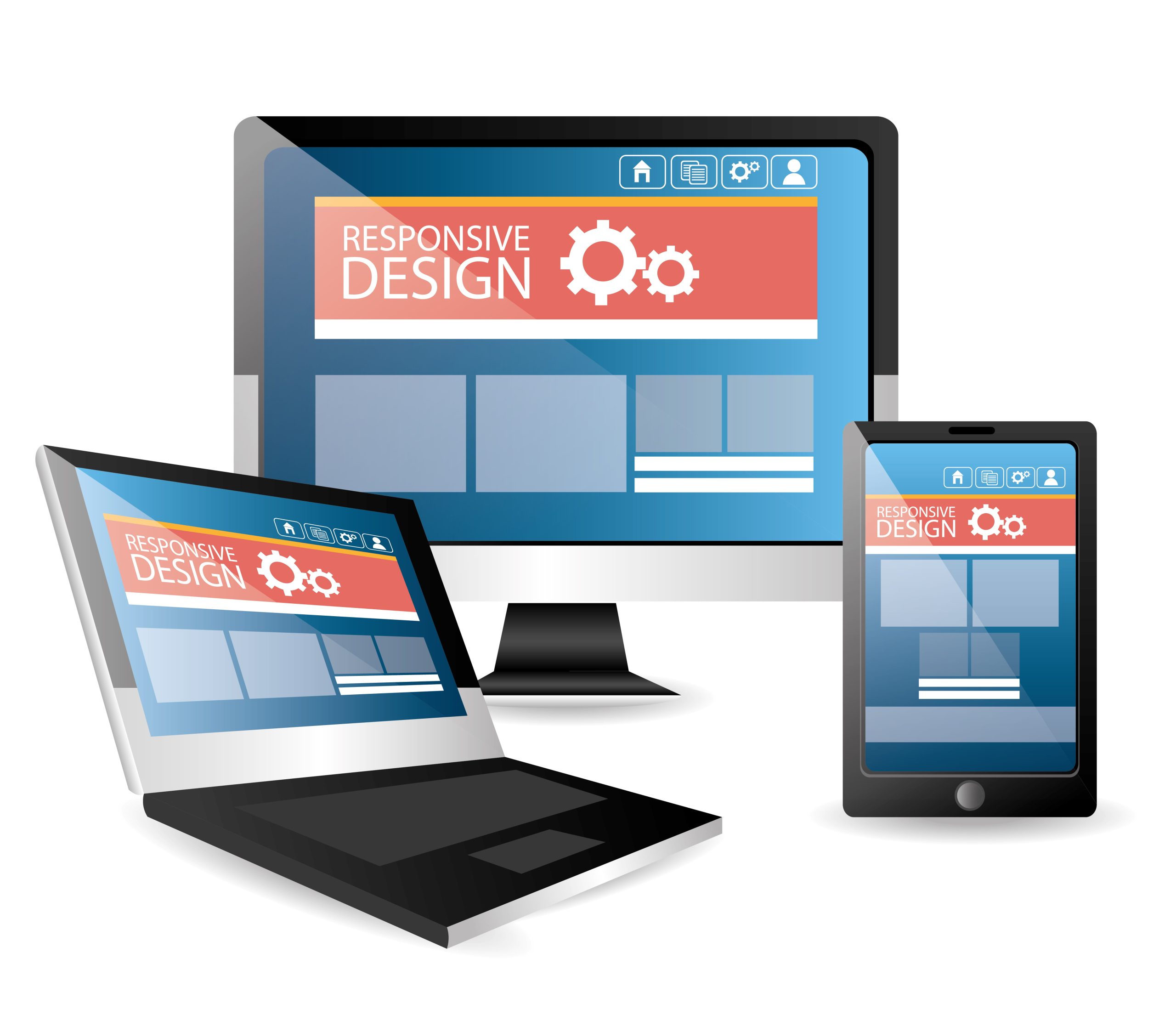
Have you ever visited a website on your phone and had to pinch, zoom, and scroll endlessly just to read the text? It’s a frustrating experience, and one that often leads users to abandon a site altogether. In our multi-device world, a website must provide a seamless experience whether it’s viewed on a desktop monitor, a tablet, or a smartphone. The key to achieving this lies in two primary design approaches: responsive design and adaptive design.
Understanding the difference between these two methods is crucial for any business, designer, or developer looking to create a future-ready digital presence. While both aim to optimise the user experience across various screen sizes, they achieve this goal in fundamentally different ways. Responsive design uses a fluid grid that adjusts to any screen size, while adaptive design uses a set of fixed layouts that activate based on the specific device being used.
This guide will explore the mechanics, benefits, and drawbacks of both responsive and adaptive design. By the end, you’ll have a clear understanding of each approach and be equipped to decide which strategy is the best fit for your project, your budget, and your audience. Making the right choice can significantly impact user satisfaction, engagement, and ultimately, your business’s success.
What is Responsive Web Design?
Responsive web design (RWD) is an approach that makes web pages render well on a variety of devices and window or screen sizes. The core principle of responsive design is fluidity. It uses a single, flexible layout that dynamically adjusts its content and elements to fit the viewing environment. Think of it like water taking the shape of its container—a responsive site will flow to fill the available screen space, no matter how large or small.
This is achieved through a combination of fluid grids, flexible images, and CSS media queries.
- Fluid Grids: Instead of using fixed pixel widths, responsive layouts are built with relative units like percentages. This allows the layout to expand or contract proportionally based on the screen size Flexible Images: Images and other media are also sized in relative units, preventing them from overflowing their containers or becoming too small to see.
- Media Queries: These are CSS rules that apply different styles based on the characteristics of the device, such as its width, height, or orientation. For example, you can use a media query to change the font size, hide certain elements, or rearrange the layout when the screen width drops below a certain point.
The goal is to create one version of your website that works everywhere. The content remains the same, but its presentation changes to provide an optimal viewing experience for every user.
What is Adaptive Web Design?
Adaptive web design (AWD), also known as progressive enhancement, takes a different approach. Instead of one fluid layout that adjusts to all screens, adaptive design uses multiple fixed layouts created for specific screen sizes or “breakpoints.” When a user visits the site, the server detects the device’s screen size and loads the pre-designed layout that best fits it.
Imagine having several different outfits, each tailored for a specific occasion. That’s how adaptive design works. Designers create distinct layouts for common device widths, such as 320px for mobile phones, 768px for tablets, and 1200px for desktops. The system then serves the most appropriate “outfit” for the user’s device.
This method allows for a high degree of control and optimisation for each specific device type. Because designers are creating distinct versions, they can tailor the functionality and content for each context. For example, the mobile version might feature a simplified navigation menu and larger touch targets, while the desktop version could display a more complex layout with additional features. This ensures that the user experience is not just functional but truly optimised for their specific device.
Responsive vs. Adaptive: A Head-to-Head Comparison
Choosing between responsive and adaptive design requires a careful evaluation of their strengths and weaknesses. Let’s break down how they compare across several key areas.
Flexibility and Fluidity
- Responsive: Highly flexible. It’s designed to adapt to any screen size, including those that don’t exist yet. This future-proofs the design, as it will automatically adjust to new devices as they enter the market. The layout is continuously fluid, resizing smoothly as you drag the browser window.
- Adaptive: Less flexible. It works perfectly for the predefined screen sizes, but may not look as good on screens that fall between those breakpoints. If a new device with an unusual screen dimension becomes popular, designers may need to create an entirely new layout for it.
Development and Maintenance
- Responsive: Generally requires more upfront effort to create a complex, fluid grid that works flawlessly across all potential screen sizes. However, once built, maintenance is simpler because there is only one codebase to manage. A single update applies to all versions of the site.
- Adaptive: Can be faster to develop initially if you are targeting only a few specific devices. However, it can become more labour-intensive and costly to maintain over time. Managing multiple, separate layouts means that any change or update needs to be implemented across each version, increasing the workload and the potential for errors.
Performance and Load Speed
- Adaptive: Often has a performance advantage. Because the server detects the device beforehand, it only sends the assets needed for that specific layout. A mobile user, for instance, won’t have to load the large, high-resolution images intended for the desktop version. This results in faster load times, which is particularly important for mobile users on slower network connections.
- Responsive: Can be slower because the browser has to load the entire HTML and CSS for all devices and then adjust the display based on the screen size. While techniques like responsive images can help mitigate this, adaptive design often has the upper hand when it comes to raw speed.
User Experience (UX) and Optimisation
- Adaptive: Allows for a highly tailored user experience. Designers can make strategic decisions about what content and functionality are most important for a mobile user versus a desktop user. For example, a restaurant’s website might prominently feature a “Click to Call” button on its mobile version, while the desktop version might showcase a high-resolution photo gallery. This level of context-specific optimisation can lead to a superior user experience.
- Responsive: Provides a consistent experience across all devices. The content and functionality are generally the same, just presented differently. While this consistency is valuable, it can sometimes mean compromising on the ideal experience for a specific device. It’s a “one-size-fits-most” approach.
SEO Implications
- Responsive: Google has officially recommended responsive web design as its preferred method for mobile-friendly websites since 2012. Having a single URL and a single set of HTML makes it easier for Google’s crawlers to index the site. It also avoids issues with duplicate content that can sometimes arise with separate mobile sites. This consolidation of links and authority to one URL can be a powerful SEO advantage.
- Adaptive: Can still be very effective for SEO, but it requires careful implementation. You need to use rel= “canonical” and rel= “alternate” tags correctly to signal the relationship between the different versions to search engines. If not configured properly, it can dilute SEO efforts and create indexing problems.
When Should You Choose Each Approach?
The best choice depends entirely on your project’s specific needs, your target audience, and your long-term goals.
Choose Responsive Design If:
- You have a new or existing website that needs a mobile-friendly update. Responsive design is an efficient way to make a single site work everywhere.
- Your budget is limited. While the initial development can be intensive, the long-term maintenance costs are generally lower since you only have one site to manage.
- You want to prioritise SEO. Google’s preference for responsive design makes it a safe and powerful choice for maximising search visibility.
- You have a content-focused site, like a blog or news portal. For these types of sites, providing a consistent and readable experience across all devices is the main priority.
Choose Adaptive Design If:
- You have an existing, complex website that is difficult to redesign. Retrofitting an old site with an adaptive solution can sometimes be easier than a complete responsive overhaul.
- You need to deliver a highly targeted experience. If your analytics show that mobile and desktop users have vastly different goals and behaviours, adaptive design allows you to create a unique experience for each segment.
- Page load speed is your absolute top priority. For e-commerce sites or applications where every millisecond counts, the performance benefits of adaptive design can be a significant advantage.
- You are designing for specific, known devices. In a corporate environment where employees use a standard set of devices, an adaptive approach can provide a perfectly optimised experience.
Building for the Future
Ultimately, both responsive and adaptive design are powerful tools for creating a user-friendly presence in a multi-device world. The debate isn’t about which one is definitively “better,” but which one better serves your unique goals.
Responsive design offers a unified, future-ready solution that is both cost-effective and SEO-friendly. It ensures a consistent, accessible experience for all users, regardless of their device. Adaptive design, on the other hand, provides unparalleled control and optimisation, allowing you to craft a tailored experience that can lead to higher conversion rates and faster performance.
As you plan your next project, carefully consider your audience, your content, and your technical resources. By understanding the core differences between these two approaches, you can make an informed decision that will empower your users and help your organisation thrive in the digital landscape for years to come.
