
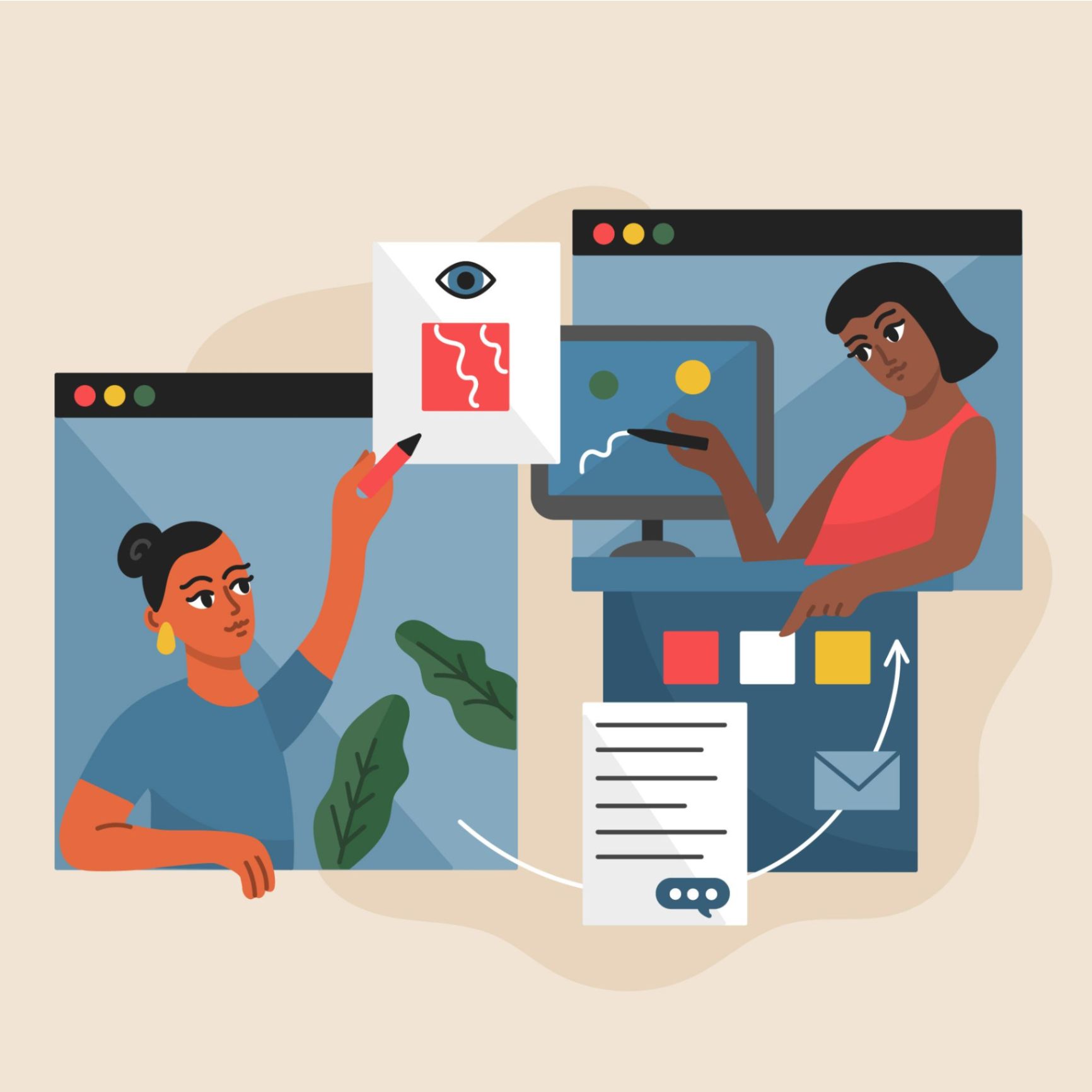
Every great digital product starts with a plan. Before a single line of code is written, designers and product managers must visualise the user journey, lay out the interface, and test interactions in Figma. This is the realm of wireframing and prototyping—the blueprint phase of digital creation. Skipping this step is akin to building a house without architectural drawings; you might end up with walls, but good luck finding the door.
Choosing the right tool for this process, however, is not as straightforward as it used to be. Gone are the days when a simple whiteboard or a pirated copy of Photoshop sufficed. The market is now dominated by specialised, high-powered tools designed specifically for UI/UX workflows. These platforms allow teams to iterate faster, collaborate in real-time, and hand off pixel-perfect specs to developers.
Three giants currently stand above the rest: Figma, Sketch, and Adobe XD. Each has a loyal following, unique strengths, and distinct weaknesses. Whether you are a solo freelancer, a student, or a design lead at a Fortune 500 company, the tool you choose will significantly impact your workflow. In this guide, we will break down each contender to help you decide which one deserves a place in your dock.
Figma: The Collaborative Powerhouse
Figma burst onto the scene in 2016 and quickly disrupted the industry with a revolutionary yet straightforward premise: design should be multiplayer. Being a web-based vector graphics editor, it allows teams to work on the same file simultaneously, much like Google Docs.
Key Features
- Real-time Collaboration: Multiple users can edit the same document at once, complete with colour-coded cursors.
- Browser-Based: Works on any operating system (macOS, Windows, Linux, ChromeOS) without installation.
- Auto-Layout: A powerful feature that allows designs to grow to fill or shrink to fit, making responsive design much easier.
- FigJam: A built-in whiteboarding tool for brainstorming and diagramming before the high-fidelity work begins.
Pros
- Accessibility: Since it runs in the browser, sharing a link is all it takes for stakeholders to view or edit designs. There is no software friction.
- All-in-One: It handles everything from low-fidelity wireframes to high-fidelity prototypes and developer handoff seamlessly.
- Community: Figma has a massive community contributing thousands of free plugins, widgets, and templates.
Cons
- Offline Mode: While there is a desktop app, Figma is internet-first. Offline capabilities are limited compared to native apps.
- Performance: Heavy files with complex components can sometimes lag in a browser environment compared to native software.
Pricing
Figma offers a generous “Starter” plan that is free forever, which is perfect for individuals. Professional plans start at $12 per editor/month, scaling up for organisations with advanced security needs.
Ideal For
Remote teams, cross-platform offices (PC & Mac users), and agencies that need to collaborate closely with clients.
Sketch: The Industry Veteran
Launched in 2010, Sketch was the tool that originally dethroned Photoshop for UI design. It is a native macOS application known for its clean interface and robust plugin ecosystem. For a long time, “Sketch” was synonymous with “UI Design.”
Key Features
- Native Mac Experience: It feels right at home on macOS, utilising native rendering, fonts, and shortcuts.
- Symbols: A powerful component system that allows for reusable UI elements across documents.
- Workspace: A web application for file storage, version history, and developer handoff that complements the Mac app
Pros
- Performance: As a native app, it is swift and stable, handling large files with ease.
- Plugin Ecosystem: While Figma is catching up, Sketch has a decade-long head start with a mature library of third-party integrations.
- Offline First: You can work anywhere, anytime, without an internet connection.
Cons
- Mac Only: This is the most significant barrier. If your developer uses Windows or if you switch to a PC, you cannot use the design tool.
- Collaboration: While they have added real-time collaboration, it isn’t as seamless or core to the experience as Figma’s native multiplayer environment.
- Cost: There is no free tier for the actual editing software, only a 30-day trial.
Pricing
Sketch uses a subscription model priced at $10 per editor/month. There is also a Mac-only license option for those who want to avoid subscriptions, though it receives updates for only one year.
Ideal For
Mac-centric design teams, individual designers who prefer native applications, and those working in environments with poor internet connectivity.
Adobe XD: The Ecosystem Integrator
Adobe XD is the tech giant’s answer to the shift in UI design tools. Part of the Creative Cloud suite, it integrates tightly with Photoshop, Illustrator, and After Effects, making it a comfortable choice for those already deep in the Adobe ecosystem.
Key Features
- Repeat Grid: A unique feature that lets you replicate lists and grids of items (like a contact list or photo gallery) and adjust padding globally.
- Voice Prototyping: XD stands out with robust features for designing voice interfaces and interactions.
- Auto-Animate: A surprisingly simple way to create complex micro-interactions and transitions between artboards.
Pros
- Integration: If you need to edit a photo in Photoshop or an icon in Illustrator, the round-trip workflow to XD is seamless.
- Performance: It is built from the ground up to be lightweight and fast, handling massive artboards smoothly on both Mac and Windows.
- Prototyping: Generally considered to have the most intuitive and powerful prototyping features of the three for creating interactive mockups.
Cons
- Plugin Library: While growing, it is not as extensive as Sketch or Figma.
- Uncertain Future: Adobe announced an intent to acquire Figma (though the deal faced regulatory hurdles and was eventually abandoned). This has left some users uncertain about the long-term roadmap and investment in XD compared to Figma.
Pricing
Adobe XD is available as a standalone app for $9.99/month or as part of the Creative Cloud “All Apps” subscription ($54.99/month).
Ideal For
Designers already paying for Creative Cloud, teams that rely heavily on Photoshop/Illustrator assets, and those needing advanced prototyping features like voice triggers.
Head-to-Head Comparison
To help visualise the differences, here is a quick breakdown of how these three heavyweights stack up against key criteria.
Feature
Figma
Sketch
Adobe XD
Platform Web, macOS, Windows macOS Only macOS, Windows
Collaboration Excellent (Real-time) Good (Cloud Workspace) Good (Cloud Documents)
Offline Mode Limited Excellent
Pricing Model Freemium / Subscription License Subscription
Prototyping Good Basic Advanced
Learning Curve Low Medium
Developer Handoff Native (Dev Mode) Via Web Workspace Via Share Link
Making the Right Choice for Your Workflow
Selecting the “best” tool isn’t about looking at a spec sheet; it’s about looking at your team.
If you are building a remote-first startup where developers are on Windows, designers are on Macs, and product managers want to tweak copy in the browser, Figma is the undeniable winner. Its collaborative nature has made it the industry standard for a reason.
However, if you are a solo freelancer who loves the Apple ecosystem, values offline stability, and wants to own your software rather than rent it, Sketch remains a powerhouse. It offers a focus and native performance that web apps struggle to match.
Finally, if you are an agency deeply embedded in the Creative Cloud, Adobe XD makes a lot of sense. It bridges the gap between graphic design and UI design effortlessly, and its prototyping capabilities are excellent for client presentations.
Ultimately, the tool doesn’t make the designer. All three of these platforms are capable of producing world-class wireframes and prototypes. The best approach is to take advantage of the free trials (or free tiers) available for each, pick a small project, and see which interface feels like an extension of your own creativity.
