
Security is the backbone of modern web development. Every time a user logs in to check their email, buy a product, or scroll through a social media feed, complex security protocols are working behind the scenes. Two terms dominate this conversation: authentication and authorization. While often used interchangeably by non-developers, they represent distinct processes. Mixing them up leads to security vulnerabilities and confusing architectures.
Understanding the difference between “who you are” and “what you can do” is the first step. The second is mastering the tools that manage these processes: OAuth (Open Authorization) and JWT (JSON Web Tokens). These technologies are the industry standards for managing access and securing data in distributed systems.
This guide breaks down the core concepts of authentication and authorization, explains how OAuth and JWT function, and explores best practices for implementing them securely in your applications.
Introduction to Authentication and Authorization
To build secure systems, we must first distinguish between the two pillars of access control.
Authentication: Verification of Identity
Authentication answers the question: Who are you?
It is the process of verifying a user’s identity. This is typically the first step in any security sequence. Common examples include:
- Enter a username and password.
- Scanning a fingerprint or using Face ID (biometrics).
- Using a One-Time Password (OTP) sent via SMS.
- Single Sign-On (SSO), where you log in using an existing Google or Facebook account.
If the credentials match what is stored in the database, the User is authenticated.
Authorization: Verification of Permissions
Authorization answers the question: What are you allowed to do?
Once the system knows who the User is (authentication), it must determine their privileges. Authorization happens after authentication. Examples include:
- A user can view their own profile, but cannot delete other users.
- An admin can access the dashboard and change global settings.
- A paid subscriber can read premium articles, while a free user sees a paywall.
In short, authentication is like showing your ID at the airport security checkpoint. Authorization is checking your boarding pass to see if you are allowed on a specific flight and which seat you are assigned.
Understanding OAuth: The Industry Standard for Authorization
OAuth 2.0 (Open Authorization) is an open standard that allows users to grant third-party applications access to their resources without sharing their passwords. It is strictly an authorization framework, though it is often used alongside authentication protocols like OpenID Connect (OIDC).
How OAuth Works
Auth relies on a system of tokens rather than credentials. Think of it like a valet key for a car. The valet key allows the attendant to drive the car (limited access) but doesn’t allow them to open the glove box or the trunk (restricted access).
The OAuth flow typically involves four roles:
- Resource Owner: The User who authorizes an application to access their account.
- Client: The application attempting to access the User’s account (e.g., a scheduling app wanting to see your Google Calendar).
- Resource Server: The server hosting the User’s data (e.g., Google’s servers).
- Authorization Server: The server verifying the User’s identity and issuing tokens.
The OAuth Flow in Action
- Request: The Client (app) asks the User for permission to access their data.
- Grant: The User logs into the service (like Google) and approves the request.
- Token Exchange: The Client sends this approval to the Authorization Server.
- Access Token: The Authorization Server validates the request and sends back an Access Token.
- Access Data: The Client uses this Access Token to request data from the Resource Server.
This mechanism ensures that the third-party app never sees the User’s actual password, significantly reducing security risks.
Exploring JWT: Secure Information Exchange
JSON Web Token (JWT) is an open standard (RFC 7519) that defines a compact and self-contained way for securely transmitting information between parties as a JSON object. This information can be verified and trusted because it is digitally signed.
Structure of a JWT
A JWT is a string of characters separated by dots into three parts: Header.Payload.Signature.
- Header: Contains metadata about the token, such as the type of token (JWT) and the signing algorithm being used (e.g., HMAC SHA256 or RSA).
- Payload: Contains the “claims.” Claims are statements about an entity (typically, the User) and additional data. Standard claims include iss (issuer), exp (expiration time), and sub (subject). Custom claims, like role: admin, can also be added.
- Signature: To create the signature part, you take the encoded header, the encoded payload, a secret, and the algorithm specified in the header, and sign that.
Why Use JWT?
- Stateless: The server doesn’t need to keep a session record in the database. All the necessary information to identify the User is contained within the token itself. This makes scaling applications easier.
- Compact: Because of their small size, JWTs can be sent through a URL, POST parameter, or inside an HTTP header.
- Security: The signature ensures that the message wasn’t changed along the way. If a hacker tries to change the payload (e.g., granting themselves admin rights), the signature won’t match, and the server will reject the token.
OAuth vs. JWT: Clarifying the Confusion
A common misconception is that you have to choose between OAuth and JWT. In reality, they are often used together, but they serve different purposes.
The Key Difference
- OAuth is a Framework: It is a set of rules and flows for authorization. It dictates how a token is obtained and used.
- JWT is a Token Format: It defines what the token looks like.
When to Use Each
You don’t necessarily choose one over the other; you choose how they interact.
Use OAuth when:
- You need to allow users to log in with third-party accounts (Google, Facebook, GitHub).
- You are building an API that needs to be accessed by third-party developers.
- You need complex access delegation (e.g., allowing an app to read your emails but not send them).
Use JWT when:
- You need a stateless authentication mechanism for Single Page Applications (SPAs) or mobile apps.
- You need to exchange information between microservices securely.
- You are implementing the actual Access Token within an OAuth flow. (Many OAuth implementations use JWTs as the format for their Access Tokens.)
Best Practices for Secure Implementation
Implementing these technologies incorrectly can leave gaping holes in your application’s security. Follow these guidelines to keep your data safe.
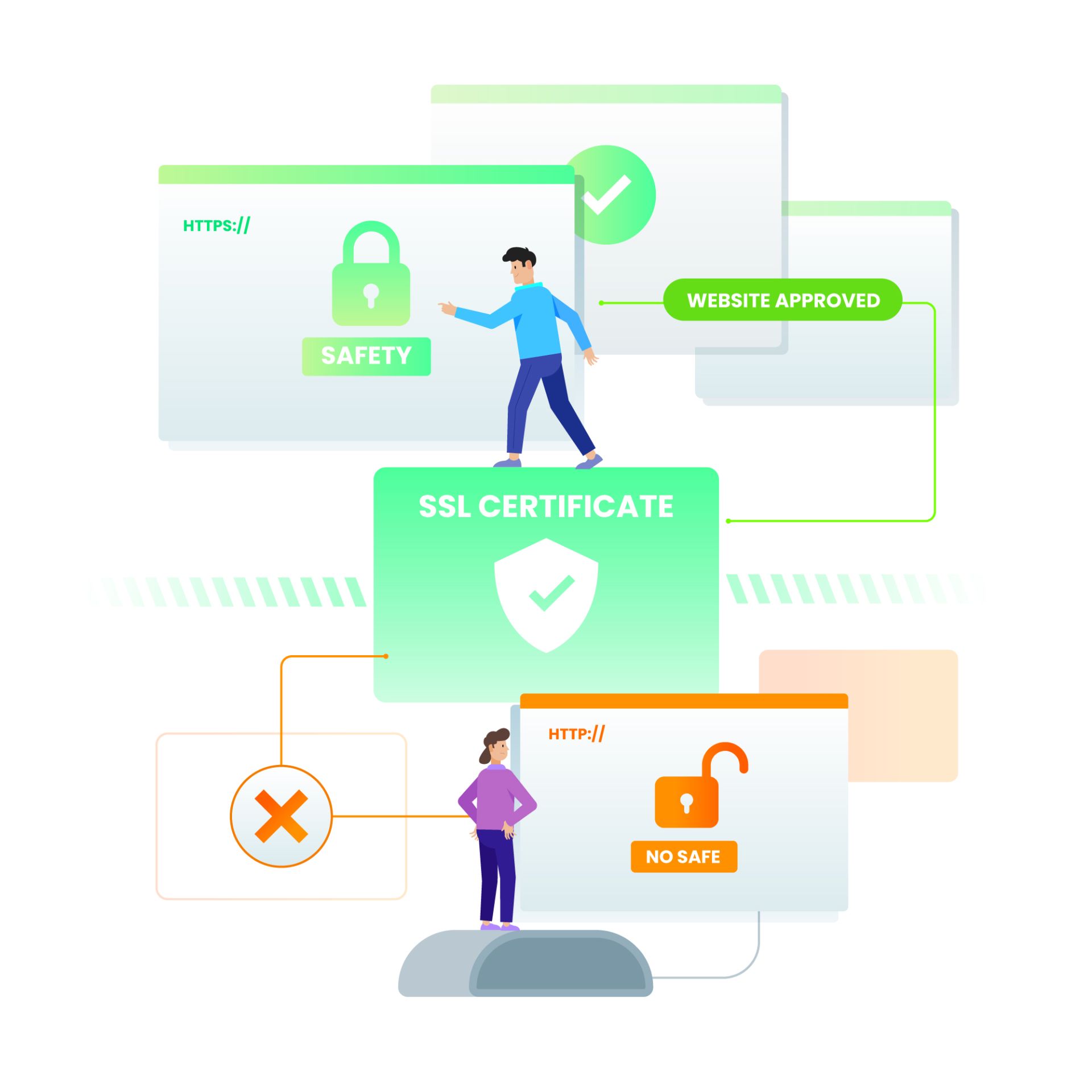
1. Always Use HTTPS (TLS/SSL)
Both OAuth and JWT involve sending sensitive tokens over the network. If you use standard HTTP, these tokens can be intercepted by attackers using “man-in-the-middle” attacks. HTTPS encrypts the communication channel, ensuring tokens remain private.
2. Keep JWT Payloads Small
Since the JWT is sent with every HTTP request, a large payload can slow down your application. Avoid putting too much data in the token. Store only essential user identifiers and permissions. Sensitive information, like passwords or social security numbers, should never be stored in a JWT payload.
3. Validate Tokens Properly
On the server side, always validate the signature of the JWT. Ensure the token hasn’t expired (exp claim) and that it was issued by a trusted source (iss claim). Accepting a token without full validation defeats the purpose of the security signature.
4. Manage Token Storage Securely
For web applications, storing tokens in localStorage is vulnerable to Cross-Site Scripting (XSS) attacks. If an attacker can run JavaScript on your page, they can steal the token. A safer approach is to store tokens in HttpOnly cookies. These cookies cannot be accessed by client-side JavaScript, effectively neutralizing XSS theft vectors.
5. Implement Token Expiration and Refresh Flows
Access tokens should have short lifespans (e.g., 15 minutes). If a token is stolen, the attacker only has a brief window of access. To maintain a good user experience, use “Refresh Tokens” (a concept from OAuth). When the short-lived access token expires, the client uses the long-lived refresh token to request a new access token without forcing the User to log in again.
Securing the Future of Access
The landscape of web security moves quickly. As applications move toward microservices and serverless architectures, the reliance on stateless authentication like JWT and robust frameworks like OAuth will only grow.
Implementing these standards correctly requires diligence. By understanding the distinct roles of authentication and authorization, and respecting the protocols of OAuth and JWT, you build trust with your users. Security is not a feature to be added at the end of development; it is an architectural necessity that enables the seamless, interconnected digital experiences users demand today.
