
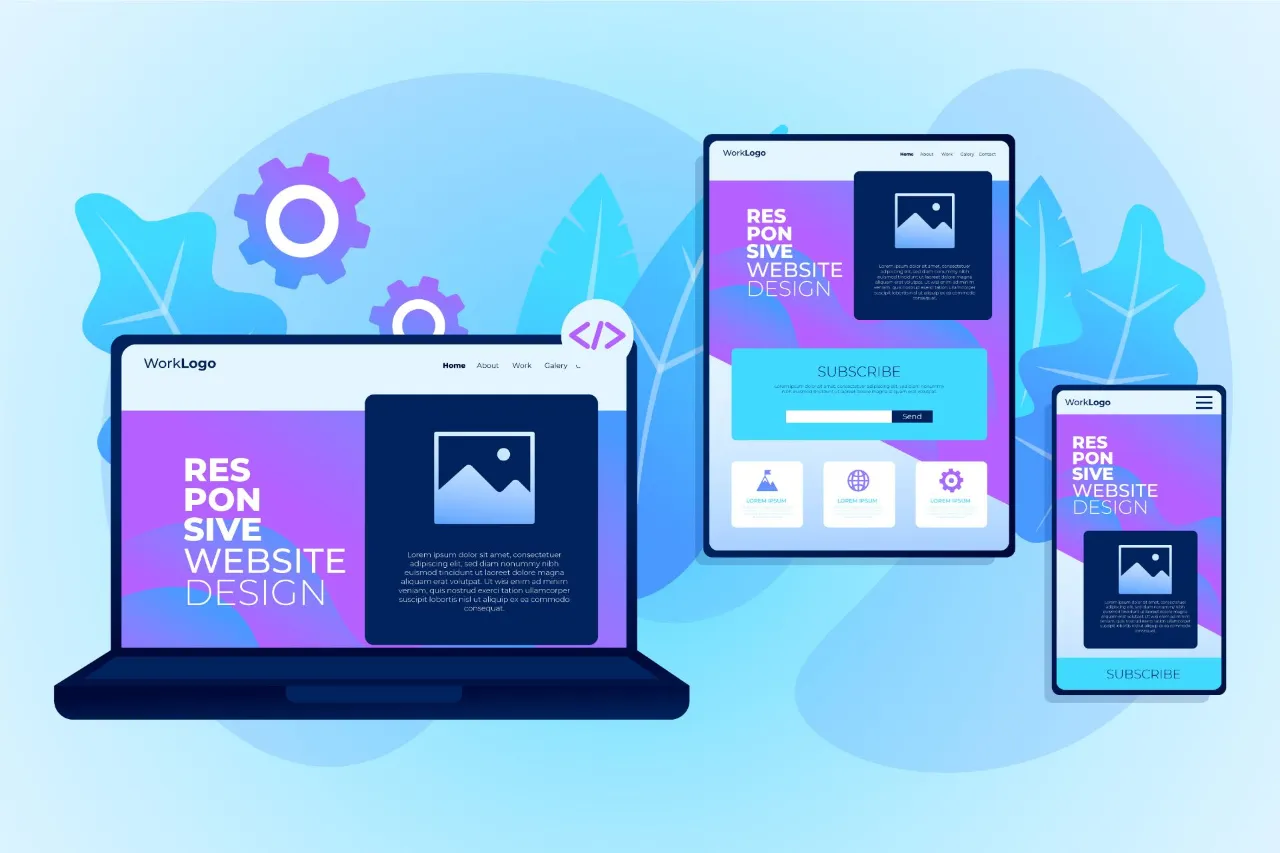
Have you ever opened a website on your phone, only to be greeted by microscopic text and buttons too small to tap? You likely pinched, zoomed, and eventually gave up in frustration. That experience is exactly what responsive Mobile-First Design aims to eliminate.
With over half of all global web traffic coming from mobile devices, the way a website looks on a smartphone is just as important—if not more so—than how it looks on a desktop monitor. Users expect seamless experiences regardless of the device they hold. If a site fails to load quickly or display correctly on a smaller screen, visitors will leave.
This guide explores the essentials of responsive design and the mobile-first approach. We will uncover why these strategies are critical for SEO, how to implement them, and why they are the standard for modern web development.
What is Responsive Design?
Responsive web design (RWD) is a development approach that creates dynamic changes to the appearance of a website, depending on the screen size and orientation of the device being used to view it. Rather than building separate sites for mobile and desktop, RWD allows one codebase to serve all devices.
The concept was coined by Ethan Marcotte in 2010. Before this, developers often built entirely separate mobile sites (often hosted at “m.dot” subdomains). This practice was cumbersome to maintain and often led to content discrepancies between versions. Responsive design changed the game by allowing content to flow like water, filling the container it is poured into, whether that container is a massive 4K monitor or a compact smartphone screen.
Understanding the Mobile-First Approach
While responsive design refers to the technical capability of the site to adapt, “mobile-first” refers to the design philosophy and workflow.
What Does Mobile-First Mean?
Traditionally, Mobile-First Design worked “desktop-first.” They would create a complex, feature-rich layout for a large screen and then attempt to squish, hide, or rearrange elements to fit onto a phone screen. This is often called “graceful degradation.”
Mobile-first flips this process. Designers and developers start by creating the experience for the smallest screen first. Once the core content and functionality work perfectly on a mobile device, they progressively enhance the design for tablets and desktops.
Why Prioritise Mobile?
Designing for mobile first imposes a strict content hierarchy. Screen real estate on a phone is precious. You cannot clutter the interface with sidebars, widgets, or unnecessary decorative elements. This forces you to identify what is truly essential to the user. By focusing on the core content, you ensure that the primary message is clear. As you scale up to larger screens, you can add supplementary information, but the foundation remains solid and user-centric.
Key Principles of Responsive Design
To build a responsive site, developers rely on three core technical pillars. These allow the design to adapt flexibly rather than remaining rigid.
Fluid Grids
In the early days of the web, layouts were built using pixels. A container is 960 pixels wide. If a screen were 800 pixels wide, the user had to scroll horizontally. Fluid grids move away from fixed units like pixels and use relative units like percentages.
In a fluid grid, a column isn’t 300 pixels wide; it is 33.3% of the screen’s width. As the viewport shrinks or expands, the column resizes proportionally, ensuring the layout remains intact relative to the screen size.
Flexible Images and Media
Text is naturally fluid, but images can break a layout if they are too wide for their container. Flexible media ensures that images, videos, and other assets scale within their containing elements.
By using simple CSS commands (like max-width: 100%), images are prevented from extending beyond the width of their container. If the screen gets smaller, the image shrinks with it. This prevents the dreaded horizontal scrollbar and ensures visuals remain crisp and viewable on any device.
CSS Media Queries
Media queries are the “brains” of responsive design. They allow developers to apply different CSS styles based on specific conditions, such as the width of the viewport.
Breakpoints are set at specific pixel widths (e.g., 768px for tablets, 1024px for laptops). When the screen size hits a breakpoint, the layout changes. A three-column layout on a desktop might shift to a two-column layout on a tablet, and finally to a single-column vertical stack on a mobile phone. This ensures the design is optimized for the specific constraints of the device currently in use.
Implementing a Mobile-First Strategy
Adopting a mobile-first workflow requires a shift in planning and execution. Here is how to approach it effectively.
Planning and Content Inventory
Start by auditing your content. If you only had one column to display your message, what would go at the top? What is the primary call to action? Create wireframes for mobile screens before you even think about the desktop version. This discipline prevents you from relying on hover states (which don’t exist on touchscreens) or complex navigation menus that are unusable on phones.
Tools and Frameworks
You don’t always have to build from scratch. Several CSS frameworks are built with a mobile-first mentality:
- Bootstrap: The most popular framework, offering a robust grid system and pre-built components that scale automatically.
- Tailwind CSS: A utility-first framework that allows for rapid styling directly in the HTML, with easy-to-use prefixes for different screen sizes.
- Figma/Adobe XD: Design tools that allow you to create artboards for multiple device sizes, helping visualize how elements will reflow.
Testing and Optimization
Never assume your code works just because it looks good in a browser window you resized. Use browser developer tools (like Chrome DevTools) to simulate various devices. More importantly, test on real hardware. Touch targets that look fine with a mouse cursor might be too small for a thumb. Check load times on cellular data networks, not just high-speed Wi-Fi, to ensure your mobile performance is up to par.
SEO Benefits of Responsive Design
Google loves responsive design. In fact, it is their recommended design pattern.
Mobile-First Indexing
Google predominantly uses the mobile version of the content for indexing and ranking. If your mobile site has less content than your desktop site, or if it is poorly designed, your search engine rankings will suffer across the board. A responsive site ensures that the content is the same regardless of the device, preventing indexing issues.
User Experience and Engagement
User experience (UX) is a ranking factor. Search engines track signals like bounce rate (how quickly someone leaves your site) and time on page. If a mobile user lands on a non-responsive site, they will likely bounce immediately. A smooth, responsive experience keeps users engaged longer, signalling to search engines that your site provides value.
Common Challenges and Solutions
Transitioning to responsive design isn’t without its hurdles. Here are common issues and how to fix them.
Dealing with Complex Navigation
Extensive “mega menus” work well on desktops but are impossible on phones.
- Solution: Use the “hamburger” menu icon to collapse navigation options. Alternatively, prioritize the top 3-4 links and hide the rest behind a “More” tab.
Data Tables
Tables with many columns are notoriously tricky to display on narrow screens.
- Solution: Use horizontal scrolling for the table container, or reformat the table using CSS so that each row becomes a “card” of data stacked vertically.
Performance Optimization
High-resolution images designed for 27-inch monitors can slow down a mobile site significantly.
- Solution: Use responsive image attributes (srcset) to serve smaller file sizes to smaller devices. This saves bandwidth and speeds up load times for mobile users.
Case Studies: Successful Responsive Design
Many top brands have mastered the art of responsive design.
- Dropbox: Dropbox uses a fluid grid that changes font sizes and image colours as you scale the window. Their simplified mobile interface removes background clutter to focus entirely on the login and sign-up actions.
- Slack: Slack’s website is a prime example of flexible layouts. On desktop, they feature a split-screen view with text on one side and images on the other. As you scale down, the images stack neatly under the text, maintaining a logical reading flow.
- Stripe: Known for exceptional UI, Stripe’s menus transform completely. Their complex navigation simplifies into an elegant, touch-friendly list on mobile, ensuring no functionality is lost despite the lack of screen space.
Conclusion
Responsive design and the mobile-first approach are no longer optional features; they are the baseline for professional web development. By prioritizing the mobile experience, you ensure that your most critical content is accessible to everyone, regardless of the device they use.
As technology evolves, we will see new challenges, such as designing for foldable phones and wearable tech. However, the core principle will remain the same: fluidity. Embracing flexible grids, adaptable media, and a content-centric workflow will future-proof your website and provide the best possible experience for your users.
